
CallsYou Review
AI website chat that answers 24/7, plus a 30-second callback
launchesyou.com
CallsYou Review - AI Website Chat With a 30-Second Callback
We tested CallsYou, a website widget that answers visitors with an AI assistant trained on your pages and lets your team call a customer back within 30 seconds. Setup, how the AI learns, plans and the catches.
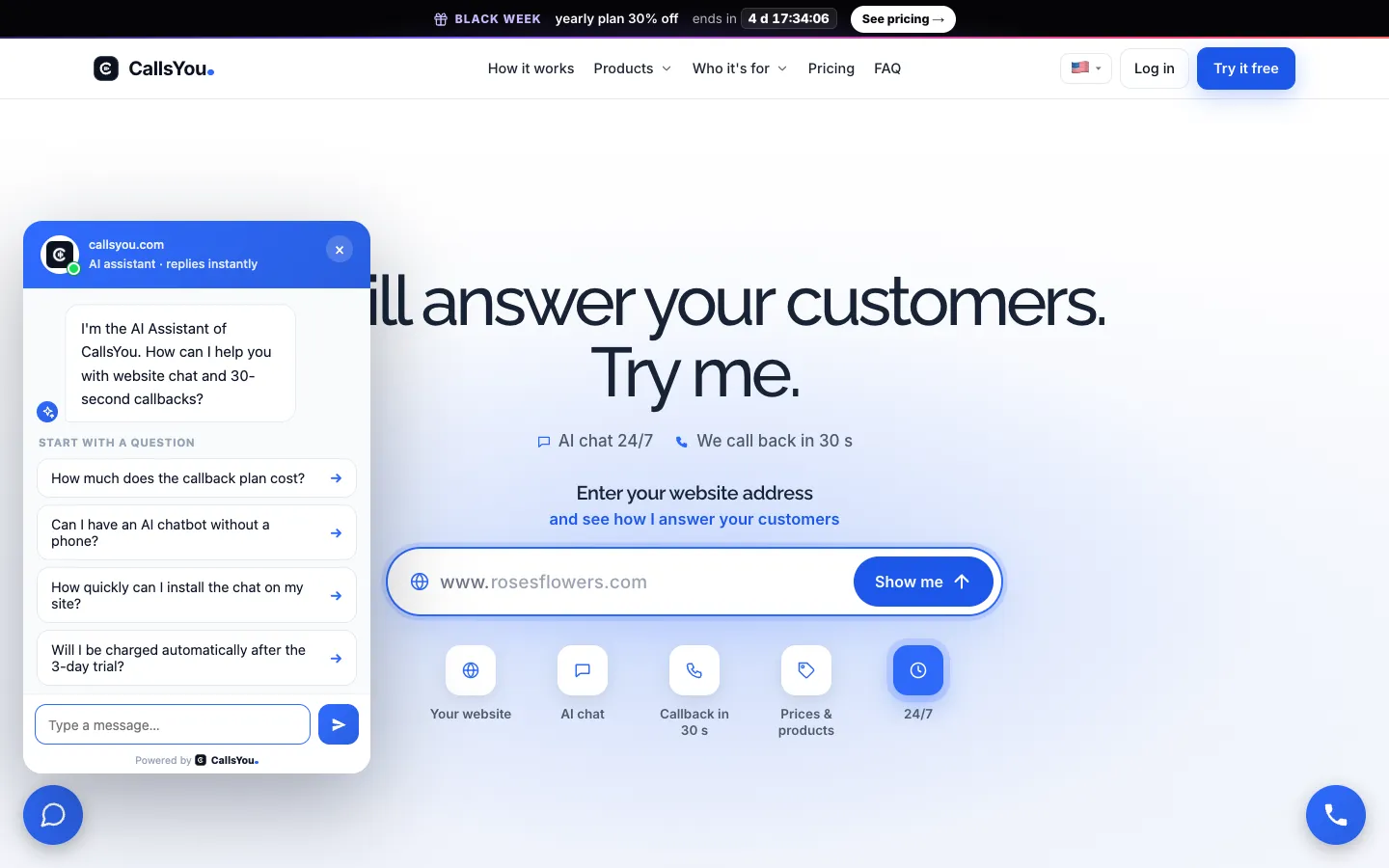
A small business website usually has two ways to reach someone: a contact form that gets answered tomorrow and a phone number that rings when nobody is free. CallsYou replaces both with one widget. On the left a chat bubble with an AI assistant that answers from your own website, on the right a phone button that gets a real person from your team to call the visitor back. I went through the live site, the widget on its homepage, the help center and the plans to see how much of that holds up.
What CallsYou is, and what it is not
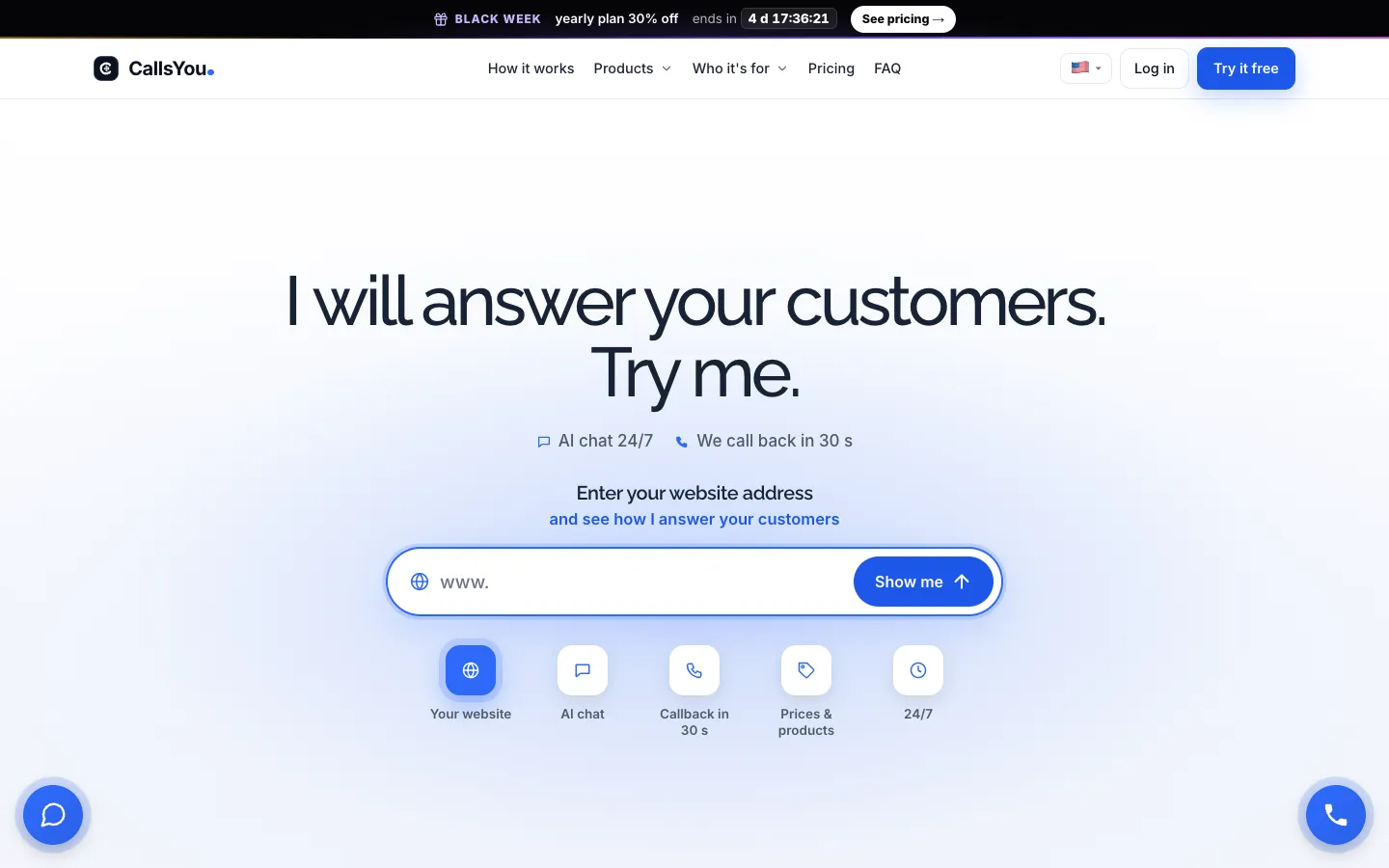
The homepage puts it plainly: "I will answer your customers. Try me." Under it, two promises - "AI chat 24/7" and "We call back in 30 s" - and a field where you type your website address to see a preview of the assistant on your own site.
One thing to get right before you buy: the AI does not answer phone calls. The FAQ says so directly. The AI handles the chat; every call is a person from your team talking to the customer. If you were looking for an AI voice receptionist, this is not it.
Setup in about ten minutes
Sign-up is Google or an email link, then a five-step wizard: plan and card, company and website, who answers calls, the install code, done. The install is one line of script before the closing body tag, "just like Google Analytics". The help center has short guides for WordPress, Shopify, Wix and Webflow, and even a ready prompt for people who build their site with an AI coding tool. You can email the code to your developer and press "Check if it works" afterwards.
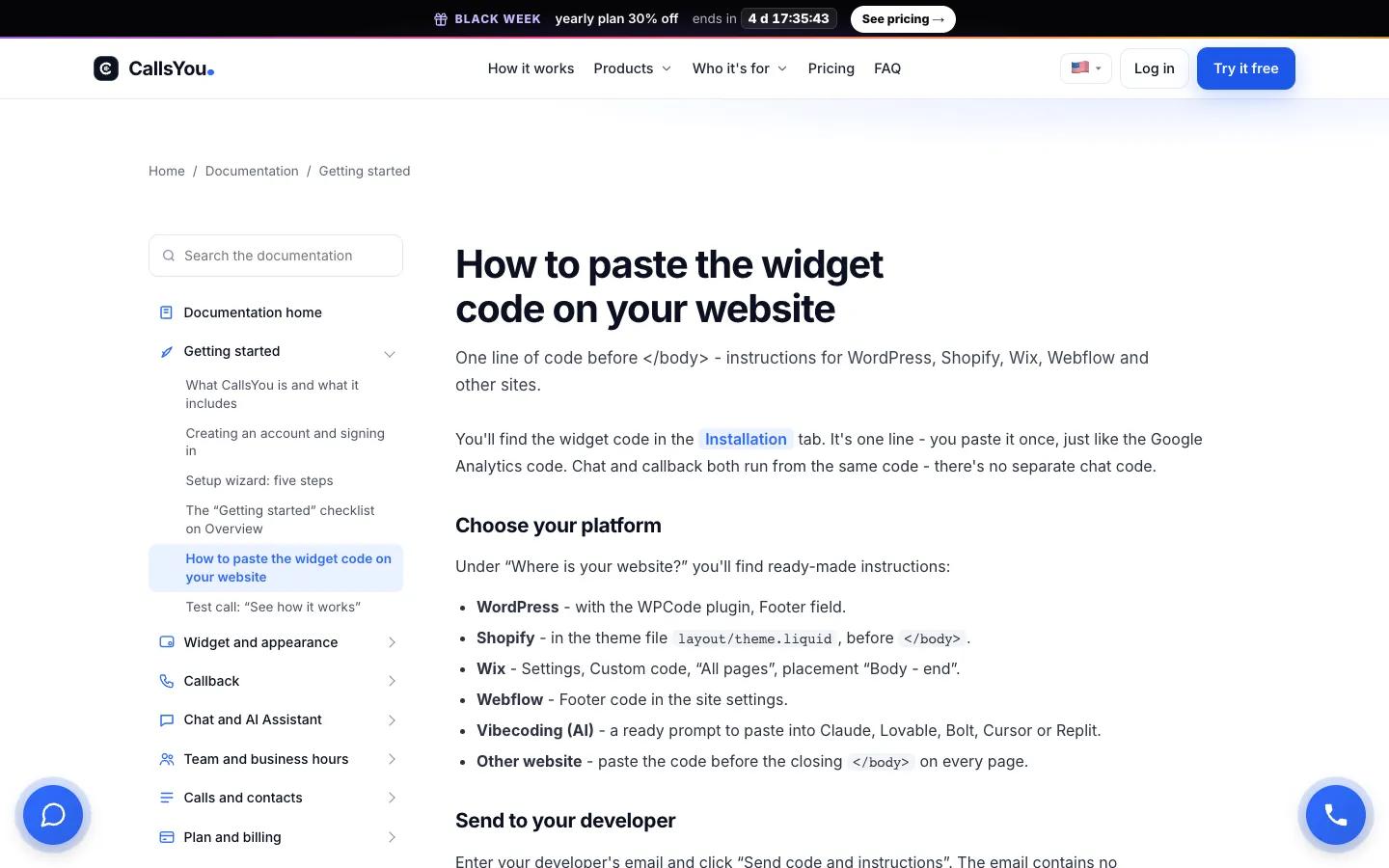
The ten-minute claim is realistic for a site you control. There is no plugin in the WordPress or Shopify app stores, so it is always the copy-paste route.
How the AI learns your business
You give it your address and it reads the site by itself - the docs show an example of "48 pages read" - and checks for changes every night, with a manual refresh a few times a day. On top of that you can write extra instructions that override the website, edit a company knowledge text, add up to six suggested questions and exclude pages. Shops can add a price list feed.
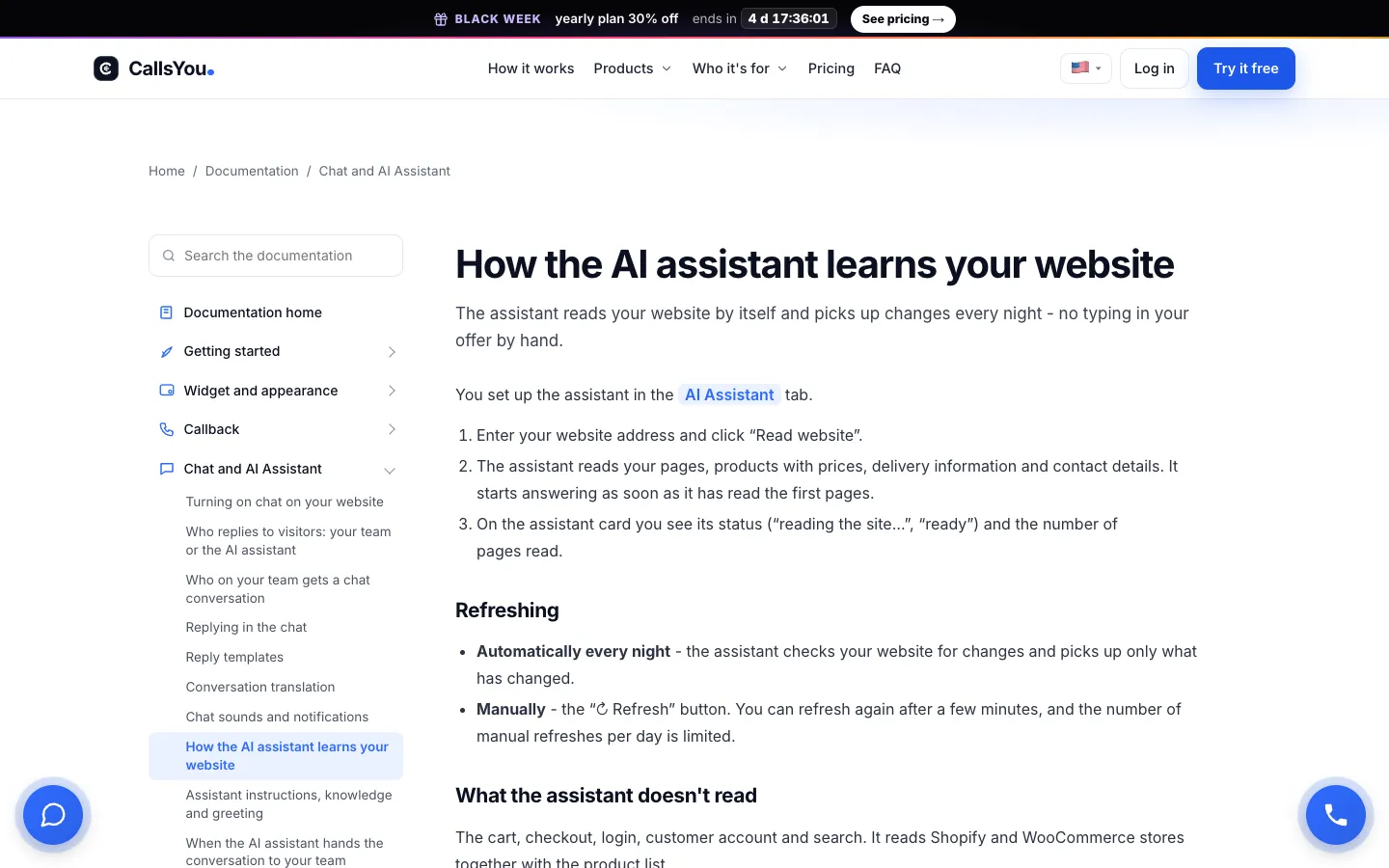
The limits are worth knowing. It does not read the cart, checkout, login or search pages, it cannot see images or files, and there is no way to upload a PDF or a FAQ document. If your prices or policies live in a PDF, paste them into the knowledge text yourself.
Who answers: you or the AI
This is the setting that makes it useful for a small team. There are five modes, from "agents only" to "AI right away", with the practical ones in between: AI after business hours, or AI when nobody is online. An agent takes over a conversation simply by replying. If a visitor asks for a human and nobody answers within a minute, the AI comes back and asks for a phone number, so the lead is not lost.
Everything lands in one dashboard with the visitor's pages, the chat and the call. Alerts come as a browser sound, a system notification or Telegram. There is no per-lead email or SMS to the owner, and Telegram means setting up your own bot, which not every shop owner will do.
Plans and the trial
All plans cover one website and are priced without VAT:
- Chat, $29 a month: one agent, 250 conversations, no callback.
- Plus, $49: two agents, 250 conversations, 50 phone minutes or 100 in the app.
- Pro, $79: five agents, 500 conversations, more minutes and shop features like product cards and add to cart.
- Business, $129: ten agents, 1,000 conversations, call order and recording.
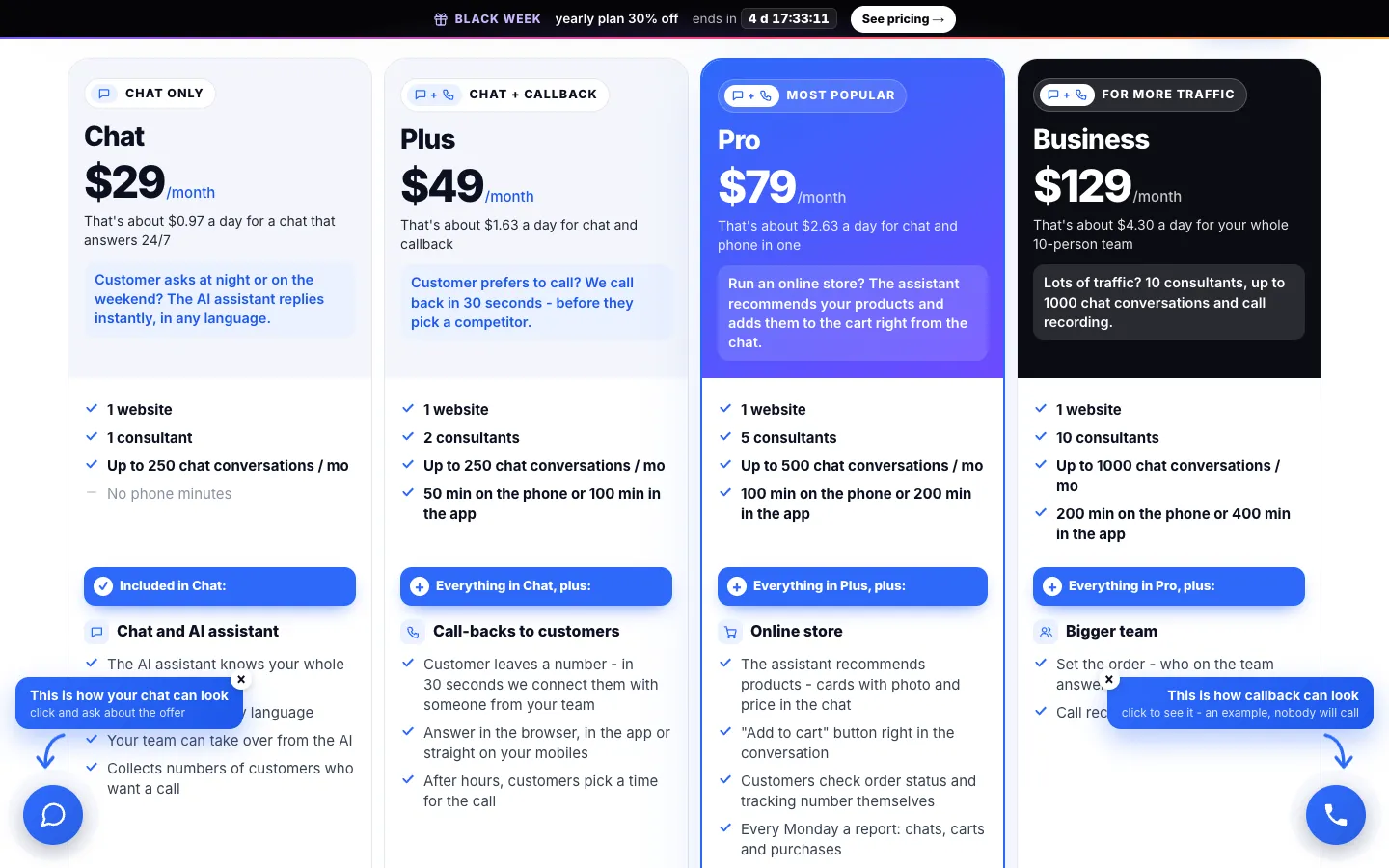
Yearly billing is about 20% cheaper, and during my visit a Black Week offer took 30% off the first year. The trial is three days on any plan and needs a card; it converts to paid unless you cancel, with a reminder the day before. There is no free plan. The free preview on the homepage, where you type your address and get a demo of the assistant on your site, is the best way to judge it before giving a card.
What I would watch
The chat limit is a hard stop: when you reach 100% of the month's conversations, the widget disappears from your site until the month ends, unless you buy another 100 for $14. Messenger, Instagram and WhatsApp are marked "soon". And on the English homepage a few Polish words and a +48 phone prefix still show in the demo, a small thing that tells you where the product started.
Who it is for
CallsYou fits a local service business or a small online shop that gets questions on its website and loses them in the evening and at weekends - a clinic, a law office, a renovation company, a store with a few hundred products. If you only need a chat, the $29 plan is a fair price for an assistant that knows your site. If phone conversations close your sales, Plus is where the product makes sense.
What we liked
- ✓One line of code with clear guides for WordPress, Shopify, Wix and Webflow
- ✓The assistant learns from your own website and re-reads it every night
- ✓Flexible modes: let the AI answer only after hours or when nobody is online
- ✓A free preview of the assistant on your own site before you give a card
- ✓Clear, published limits per plan, in three currencies
Things to keep in mind
- !The AI only chats - every phone call is a person from your team
- !No free plan, and the 3-day trial needs a card
- !The widget hides when the monthly chat limit runs out
- !No document upload; the AI cannot read PDFs, images or files
- !Messenger, Instagram and WhatsApp are still marked as coming soon
the verdict
CallsYou is a well-built way for a small business to answer website questions around the clock and turn the ones who want to talk into a call within seconds. Go in knowing that the phone side is your team, not an AI, and size the plan to your monthly chats so the widget never switches off.
Visit callsyou.com ↗